> For the complete documentation index, see [llms.txt](https://docs.modoocheck.com/llms.txt). Markdown versions of documentation pages are available by appending `.md` to page URLs; this page is available as [Markdown](https://docs.modoocheck.com/quick-guide/advanced-features/excel-management/create.md).
# 학생 등록하기
엑셀로 원생을 등록하고 수정할 수 있도록 안내드릴게요.
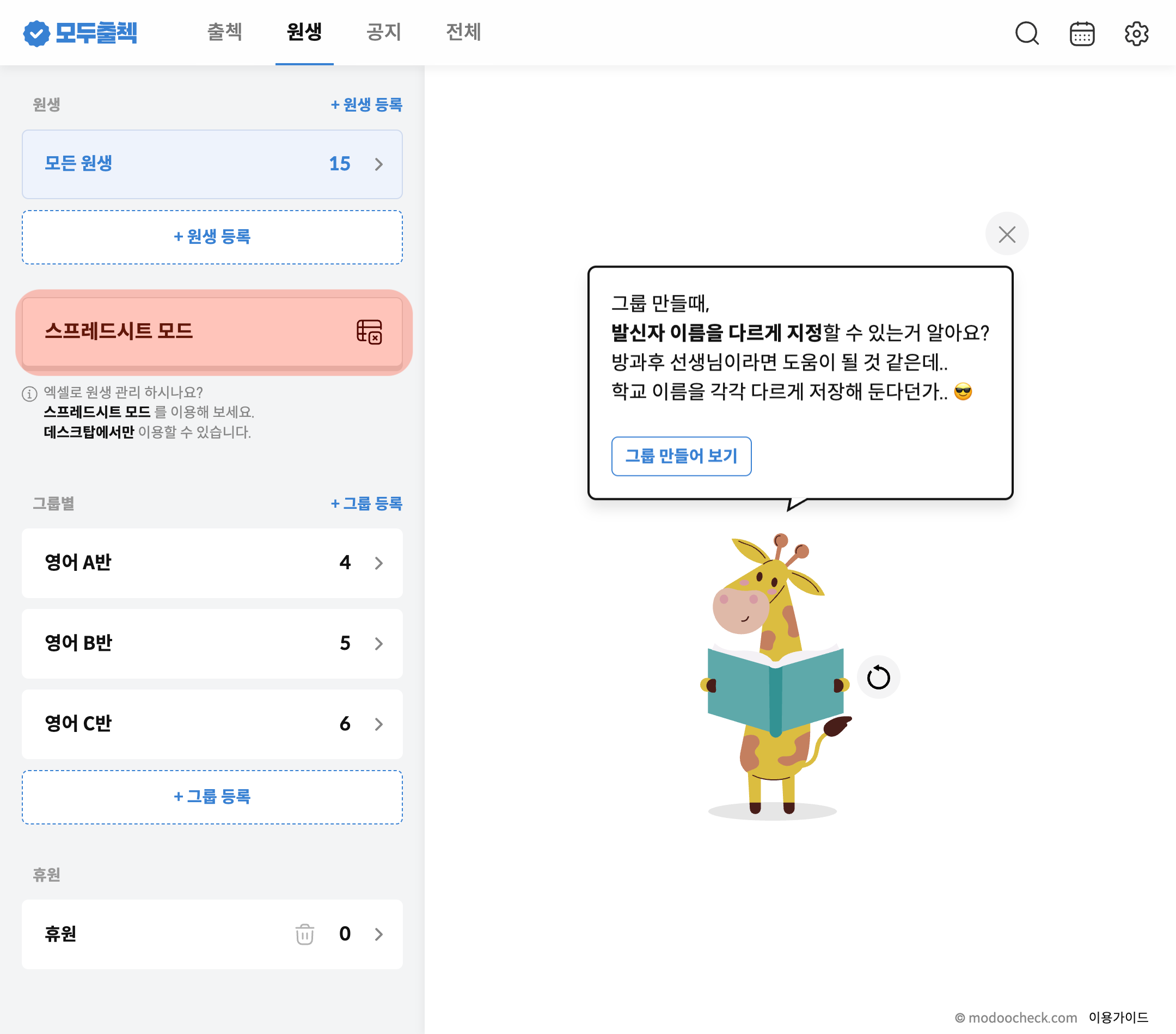
## 1. 스프레드시트 모드 클릭
PC에서 관리모드 실행 후 원생탭을 선택하고 스프레드시트 모드를 눌러 주세요.
{% hint style="info" %}
앱에서 스프레드시트 모드 버튼이 보이지 않아요!
스프레드시트 모드는 PC에서만 제공되는 기능으로 앱에서는 버튼이 보이지 않습니다.
{% endhint %}
## 2. 원생 추가 클릭
원생 등록 행 추가를 눌러 주세요.
## 3. 원생 등록완료
추가된 행에 원생의 정보를 입력한 후 저장하기을 누르면 원생이 등록됩니다.
.png?alt=media)
%20%EB%B3%B5%EC%82%AC%EB%B3%B8%20(2).png?alt=media)